
Logo of MyStyleGuide.io, a platform for sharing style guides and branding resources.
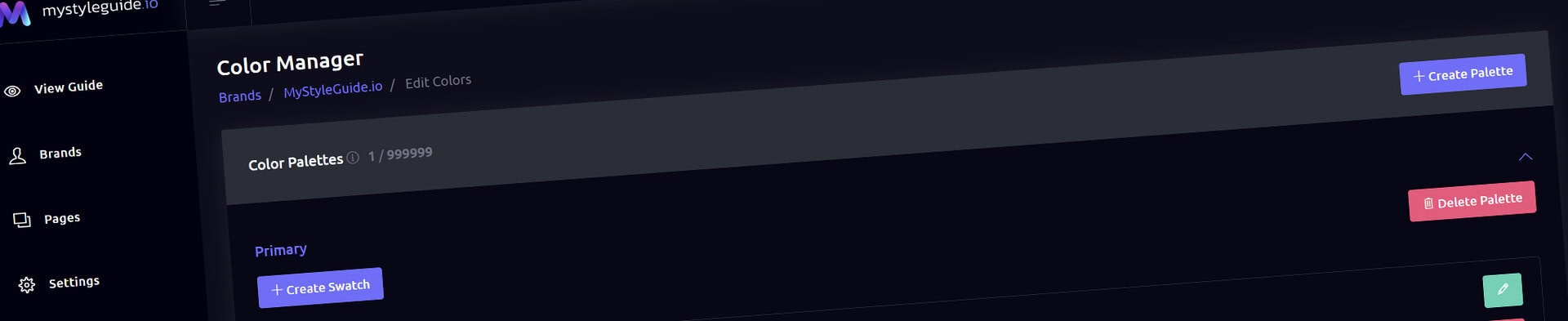
Screenshot of MyStyleGuide.io Color Manager interface showing color palette management.

Color Manager

Create and maintain approved brand colors and palettes.

Color Manager

Color Manager stores approved colors and palettes for a brand. Use it as the source for Color Gallery, Hex Gallery, and theme decisions.

What you can do

  • Add named colors with HEX values
  • Group colors into practical palettes
  • Edit and remove colors as the system evolves

How it works

Color documentation is most useful when every color has a role: primary, supporting, neutral, background, or accessibility-related.

Tips

  • Use clear names instead of generic swatches
  • Keep the foundation palette focused
Modern, colorful MyStyleGuide.io logo with a sleek "M" design.

Create and Sharing your brand guides Quickly and Easily

MyStyleGuide.io helps teams prevent off‑brand mistakes by giving everyone a single, reliable place to access your brand assets and guidelines. Built with thoughtful design and real‑world branding experience, it makes communicating your identity simple, consistent, and effortless
Yes, Sign Me Up
© 2023 - 2026 MyStyleGuide.io
  |  
Website Design by: 
Graphic Finesse